
BYNDER → WORDPRESS / ELEMENTOR / WOOCOMMERCE
Use Bynder Assets Inside Elementor & WooCommerce- Without syncing assets into the WordPress Media Library
Independent third-party integration. Not affiliated with Bynder.
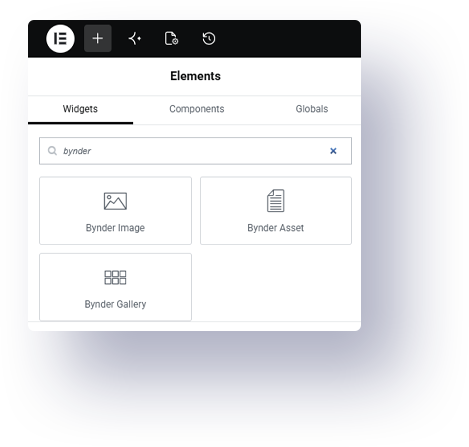
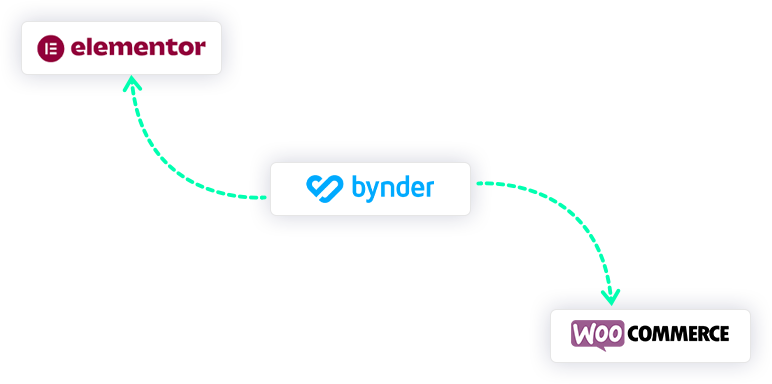
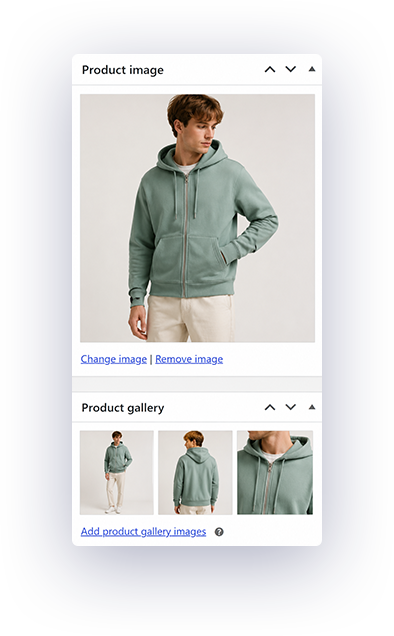
- Elementor Integration
- WooCommerce Media
- Featured Images
- Remote Asset Rendering
- Publishing Workflows
- No Media Syncing
THE GAP
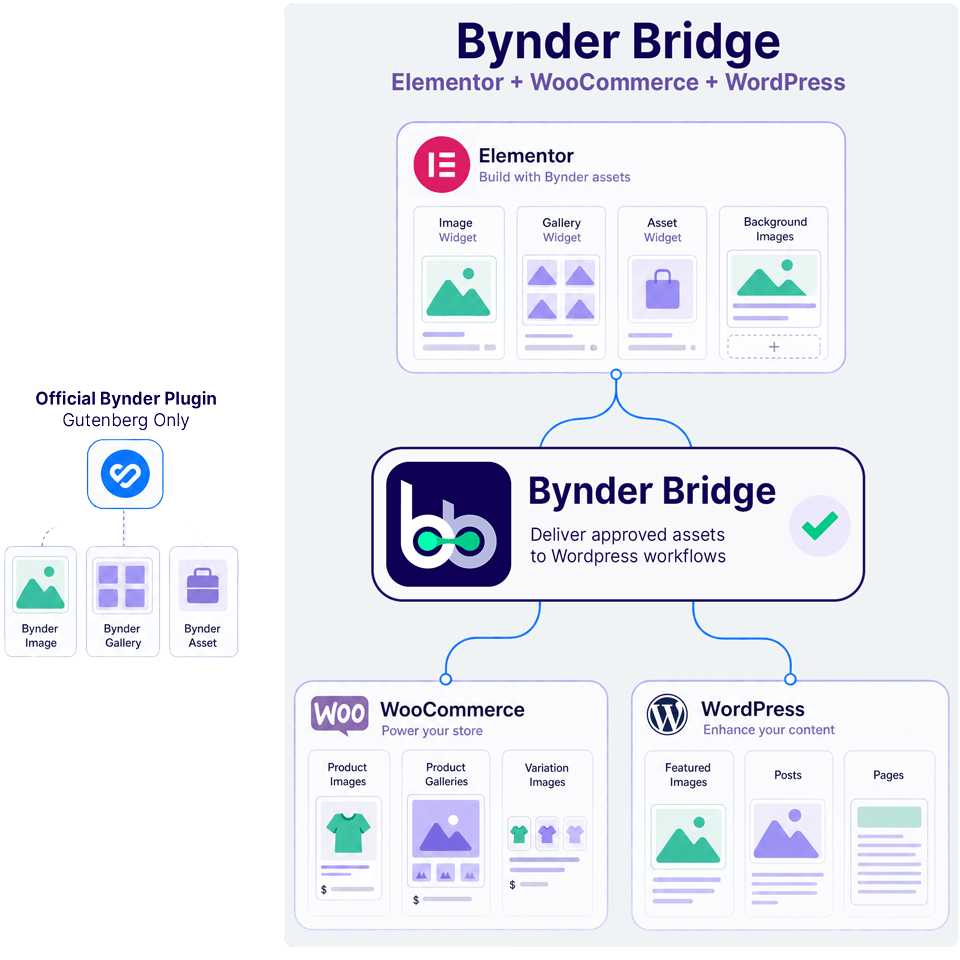
Bynder works in Gutenberg. Modern WordPress teams often need more than Gutenberg.
Many WordPress teams already manage approved assets inside Bynder, but modern websites frequently rely on Elementor, WooCommerce and more advanced publishing workflows outside the block editor.
Without support for those workflows, teams often fall back to manual uploads, duplicated files and disconnected media handling.
Bynder Bridge extends Bynder into the workflows teams actually use every day.
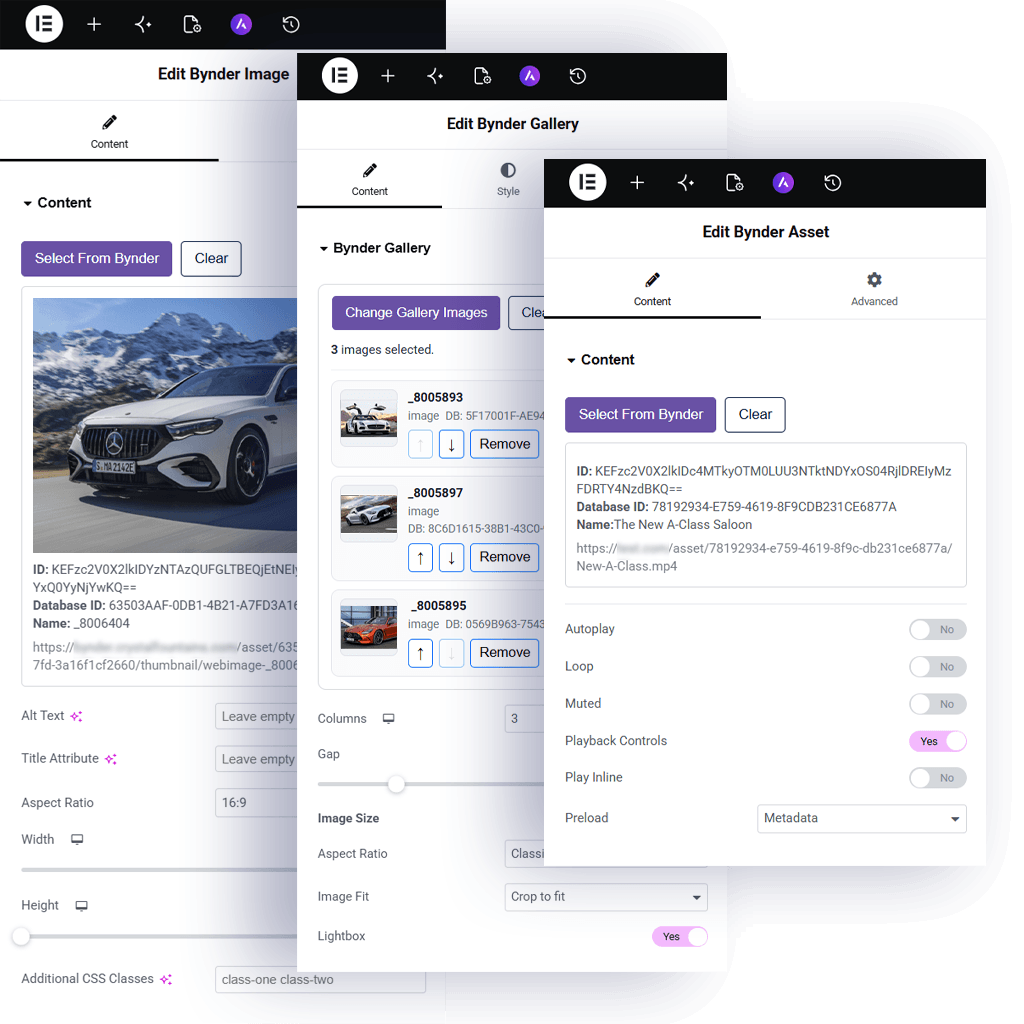
- Use Bynder inside Elementor
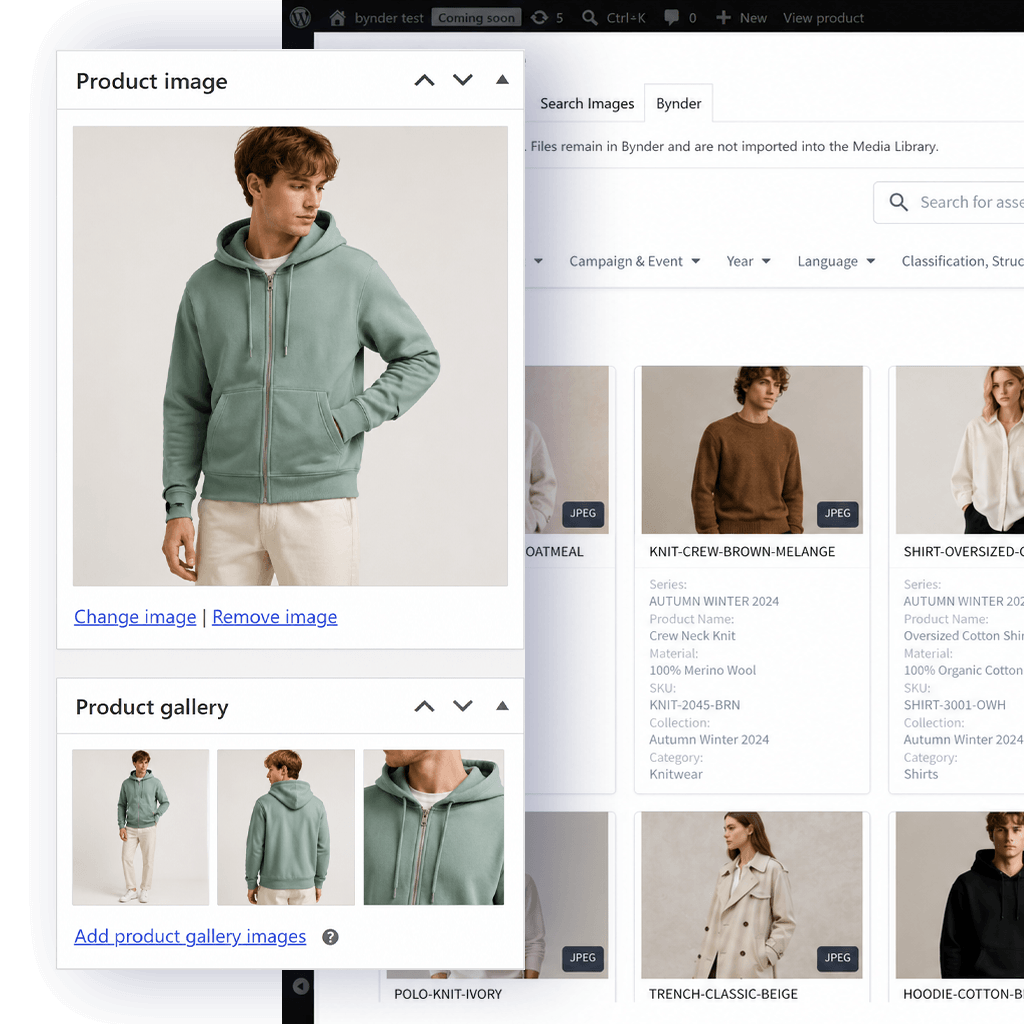
- Support WooCommerce product media
- Reduce duplicated uploads
- Keep publishing workflows inside WordPress
- Maintain approved DAM-managed assets
INTEGRATIONS
Built for modern WordPress workflows.
Bynder Bridge extends remote asset selection into the places WordPress teams already build, publish and manage content.
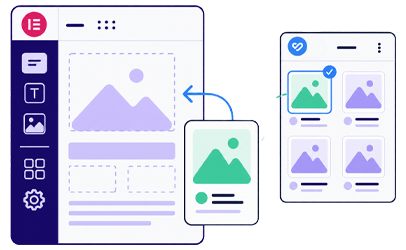
Elementor
Use Bynder assets inside Elementor widgets, galleries, layouts and background image controls.
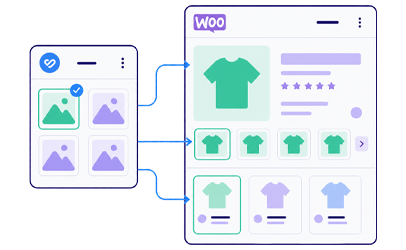
WooCommerce
Assign approved DAM-managed assets to WooCommerce product images, galleries and variable products.
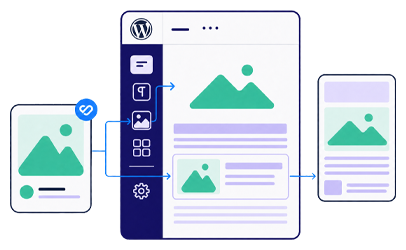
WordPress Publishing
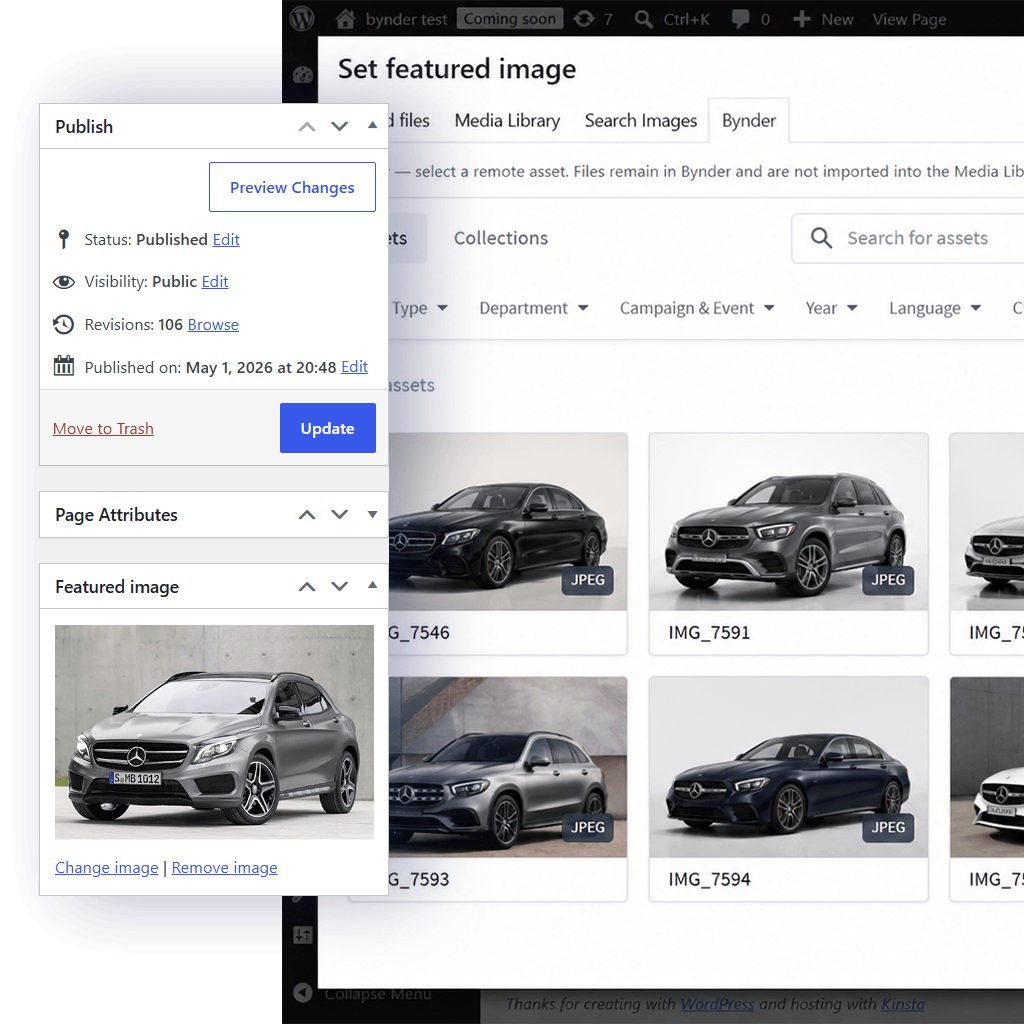
Use Bynder assets inside Featured Images and familiar WordPress media workflows.
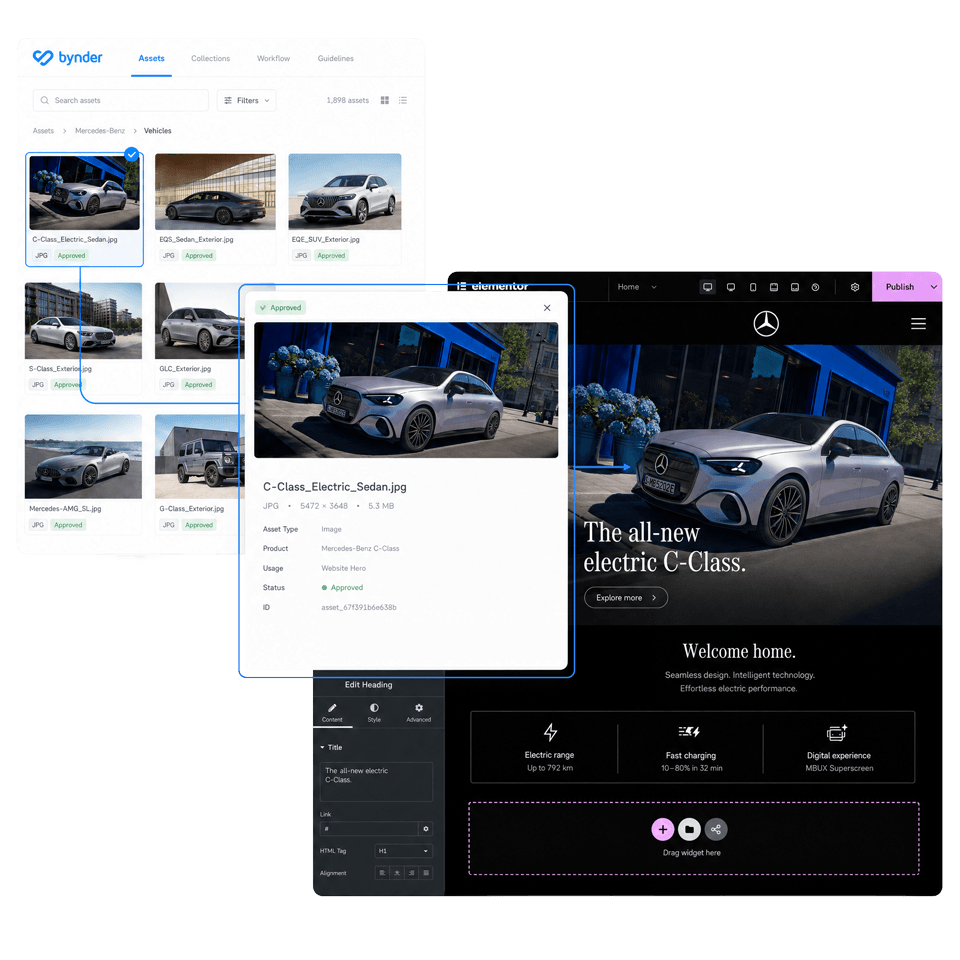
REMOTE ARCHITECTURE
Built around remote asset workflows - not duplicated media libraries.
Bynder Bridge references approved assets directly from Bynder instead of importing files into the WordPress Media Library.
This keeps Bynder DAM as the source of truth for approved assets while reducing duplicated media handling across WordPress.
- No Media Library importing
- Remote asset rendering
- No duplicated uploads
- DAM-managed asset workflows
- Cleaner media handling
WHY IT MATTERS
Reduce media handling friction across WordPress teams.
Bynder Bridge creates a cleaner connection between asset management and content publishing.
Faster Page Building
Give editors direct access to approved assets while building inside Elementor.
Cleaner Ecommerce Media
Support WooCommerce workflows without repeated upload and duplication steps.
Better Asset Consistency
Keep approved assets connected to Bynder instead of scattered across WordPress uploads.
PRODUCT PREVIEW
Built around familiar WordPress editing experiences.
Explore how Bynder Bridge can be used across page building, ecommerce and publishing experiences:
FEATURES
Practical Bynder support for modern WordPress builds.
Dedicated custom widgets and integrations for modern Bynder-powered WordPress projects.
Bynder Image Widget
Display remotely managed Bynder assets using a dedicated Elementor image widget.
Bynder Gallery Widget
Build Elementor galleries using approved Bynder-managed assets.
Bynder Asset Widget
Embed Bynder-managed documents, videos and downloadable assets directly into Elementor layouts.
Bynder Background Images
Apply Bynder-managed assets to Elementor sections and container backgrounds.
WooCommerce Product Images
Assign approved Bynder assets to WooCommerce product image workflows.
WooCommerce Product Galleries
Use remotely managed Bynder assets inside WooCommerce product galleries.
WooCommerce Variation Images
Support variation-specific product imagery using Bynder-managed assets.
Featured Image Support
Select remote Bynder assets inside familiar WordPress Featured Image workflows.
WordPress Media Modal Integration
Access Bynder assets through integrated WordPress media selection flows.
Remote Asset Rendering
Render approved assets remotely without Media Library duplication.
Custom Gallery Lightbox
Support larger asset previews through integrated gallery lightbox functionality.
No Media Library Syncing
Keep WordPress connected to Bynder without duplicated upload workflows.
WHO IT’S FOR
Built for teams that need more from Bynder inside WordPress.
Bynder Bridge bridges the gap between DAM-managed assets and modern WordPress builds.
Marketing Teams
Ecommerce Teams
Agencies
Enterprise WordPress Teams
Frequently Asked Questions
Answers to common questions about Bynder Bridge and WordPress integration.
No. Assets remain remotely referenced rather than imported into the WordPress Media Library.
Yes. Bynder Bridge includes custom-built Bynder Elementor widgets for images, galleries and flexible asset content — including documents, videos and downloadable assets — along with integrated Bynder background image workflows.
Yes. It supports WooCommerce product images, galleries and variation image workflows.
Manual uploads create disconnected copies of assets inside WordPress, which can quickly drift away from the approved versions managed in Bynder. Bynder Bridge keeps WordPress connected to the original Bynder-managed assets, so updates made in Bynder can be reflected without repeatedly re-uploading files across Elementor, WooCommerce and publishing workflows.
No. Bynder Bridge is an independent third-party product and is not affiliated with, endorsed by or sponsored by Bynder.
Bynder Bridge supports Elementor page building, WooCommerce product media, Featured Images, custom Bynder Elementor widgets, background images and integrated WordPress media experiences beyond standard Gutenberg-only usage.
No. Bynder Bridge extends WordPress with remote Bynder asset workflows while allowing WordPress and existing media workflows to continue operating normally.
Yes. Asset approval and management remain inside Bynder while Bynder Bridge extends how approved assets are used across WordPress workflows.
Yes. Bynder Bridge was created specifically to extend Bynder into Elementor, WooCommerce and broader WordPress workflows beyond standard Gutenberg-only usage.